How To Install
Installation of the payment app is one part of the process of onboarding with Truemed, and should only be started after you’ve received instructions from the Truemed team to do so.
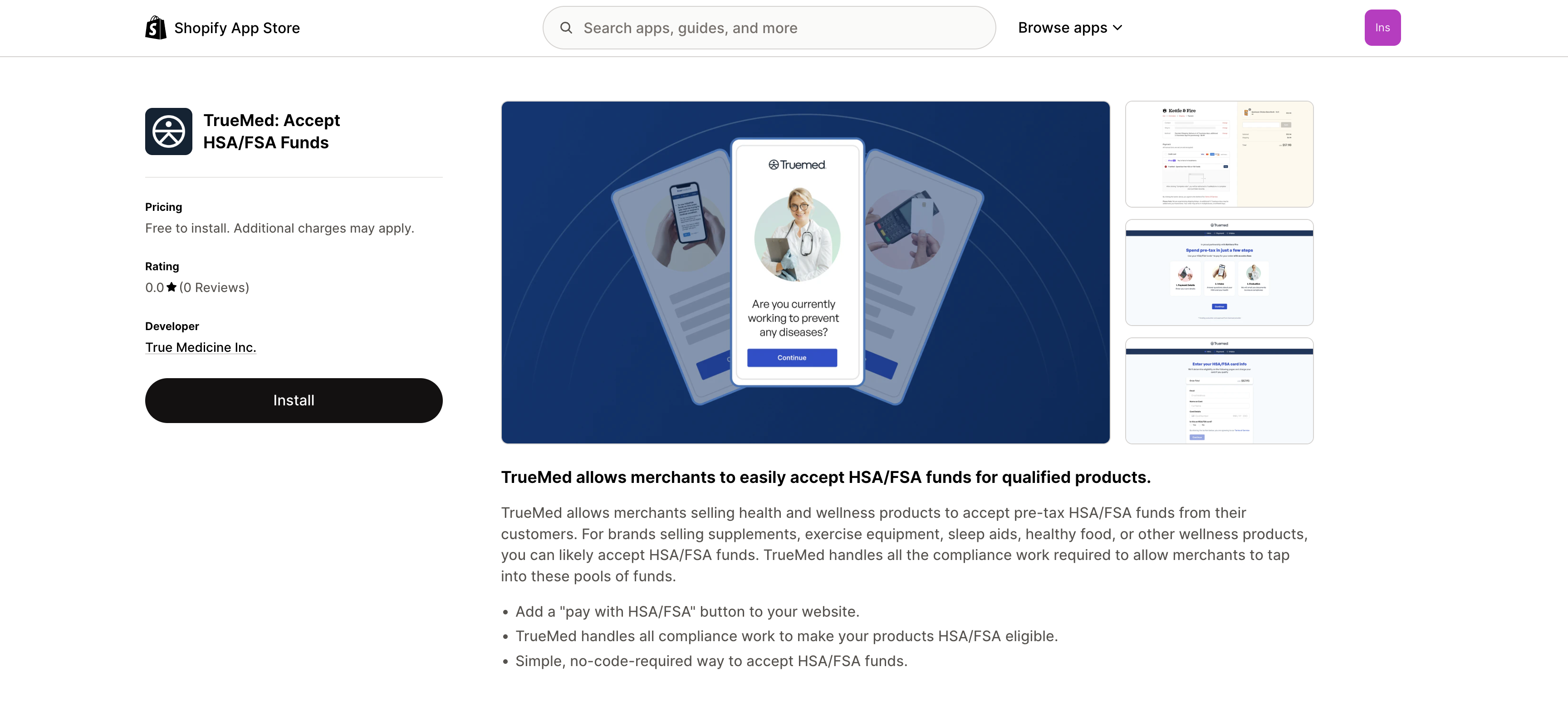
Step 1: Visit apps.shopify.com/truemed and click Install.
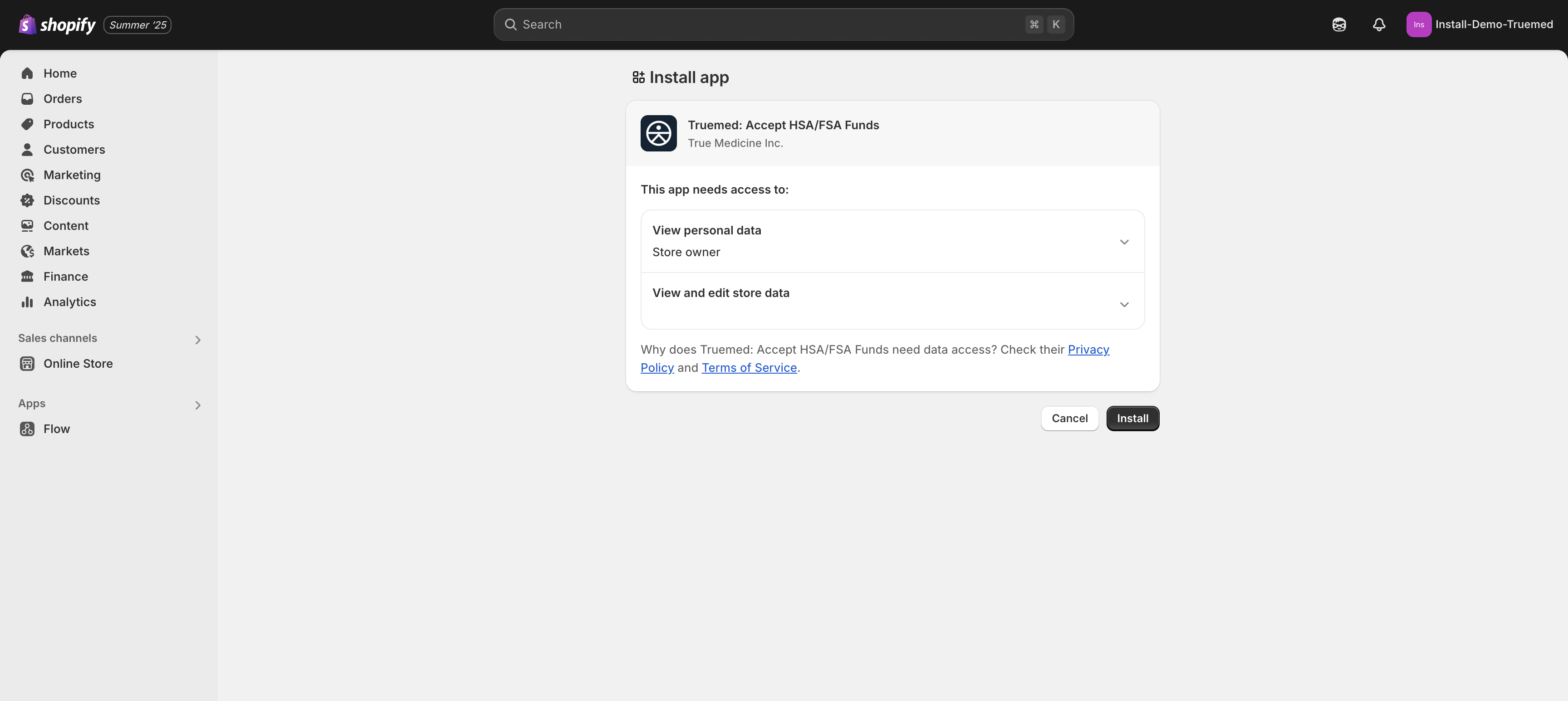
Step 2: Click Install again.
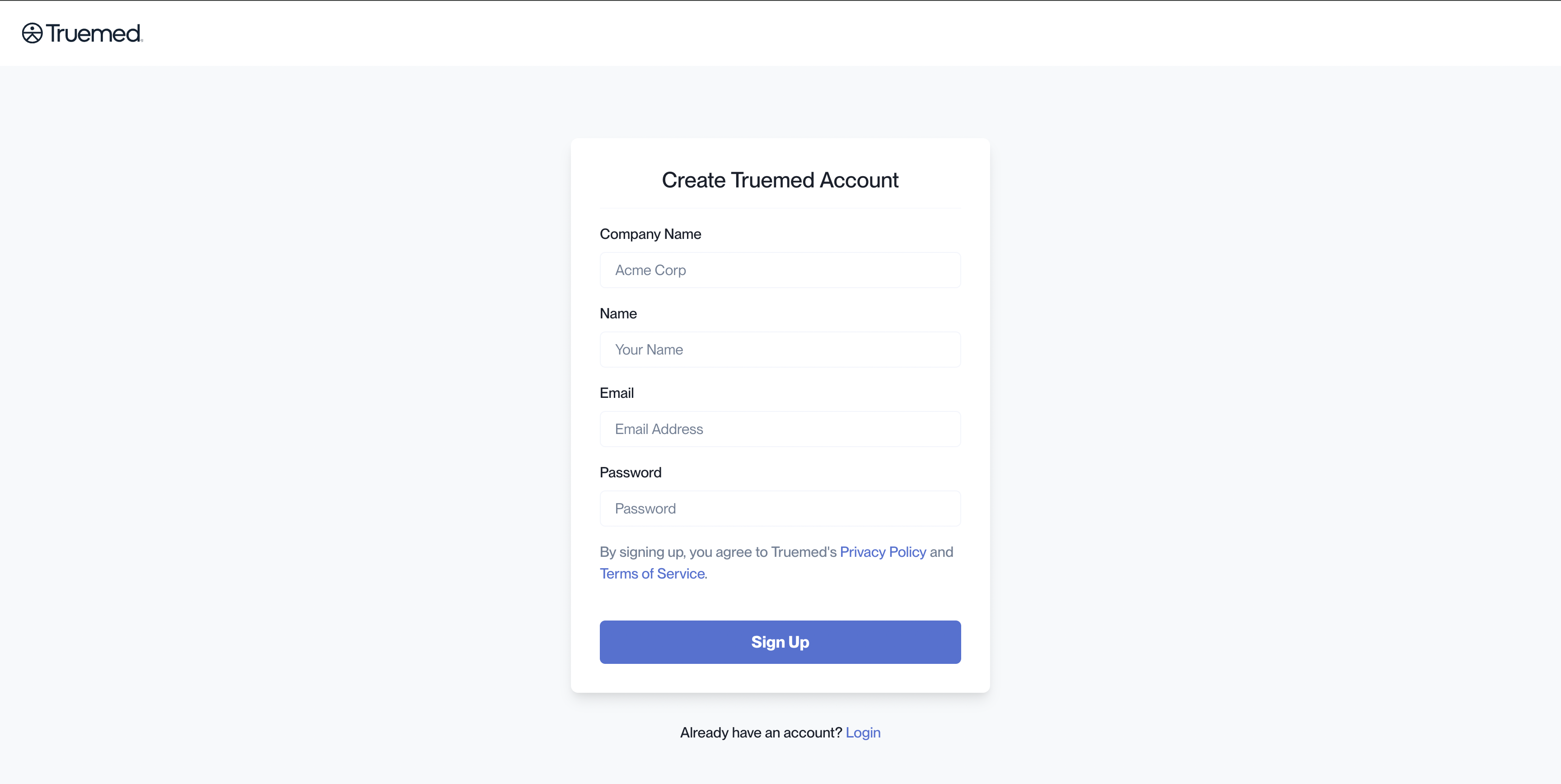
Step 3: Most partners will still be logged in from their initial account setup. If you are, you will see an Onboarding Checklist. Click “Connect Store”.
If you are not already logged in, do not create a new account. Instead, click “Login” at the bottom of the page and log into the account you already have.
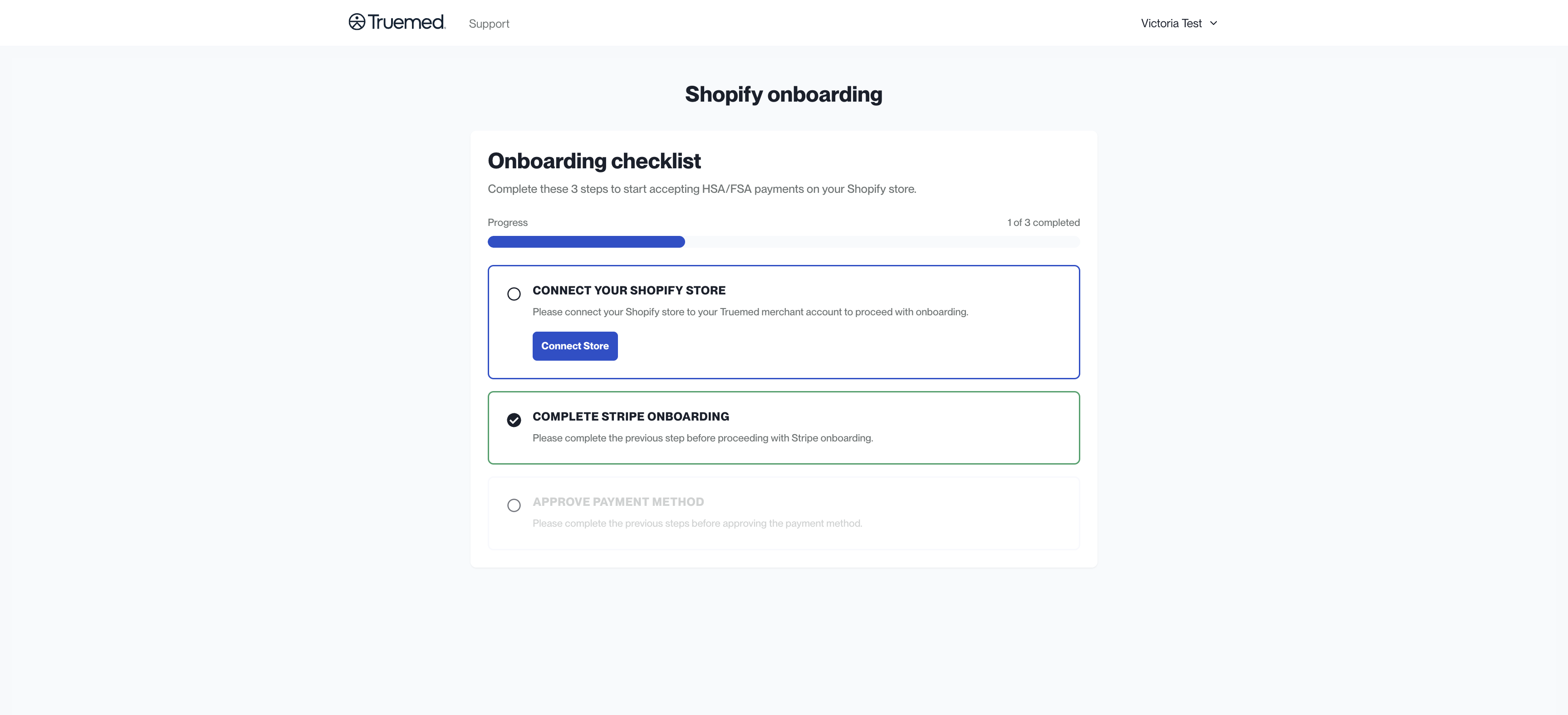
Step 4: Click “Go to Shopify Admin”.
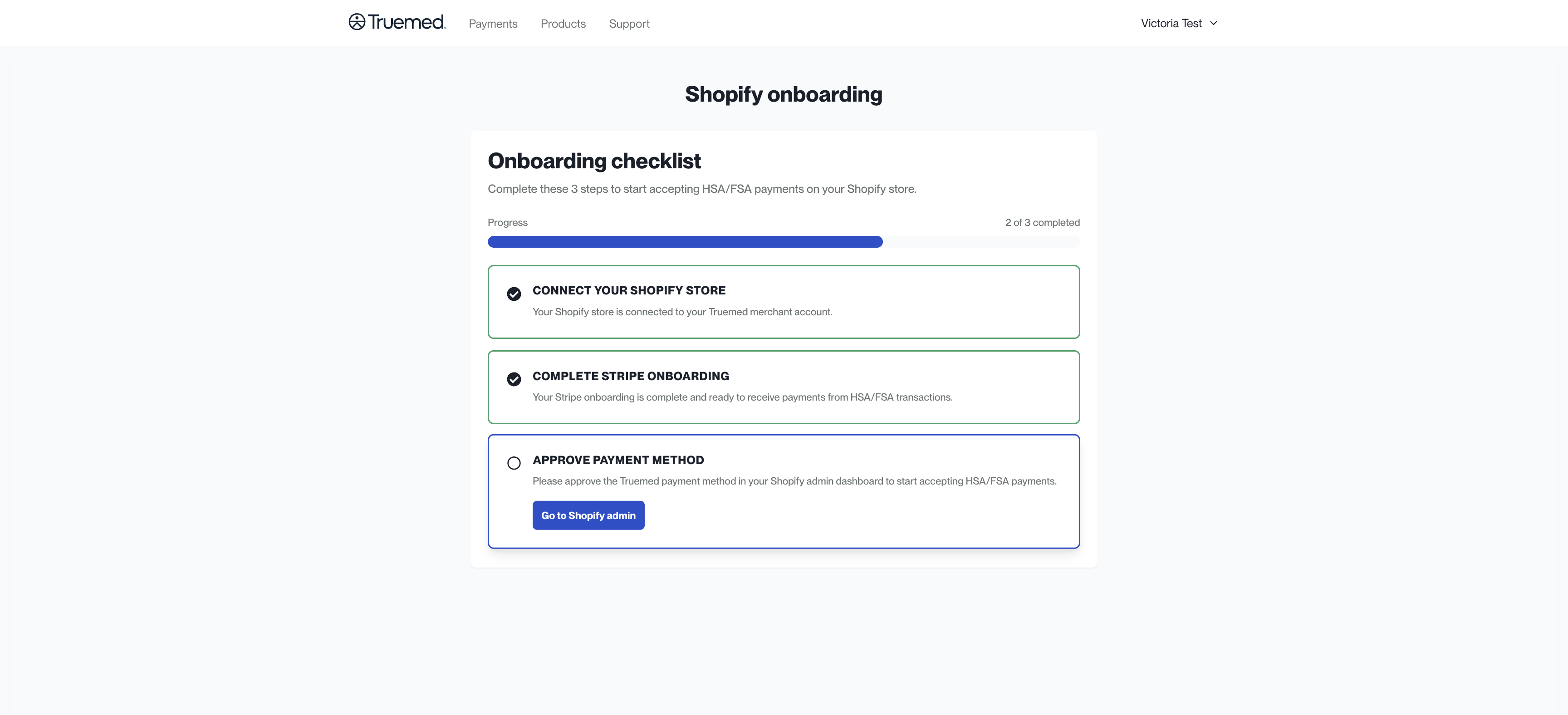
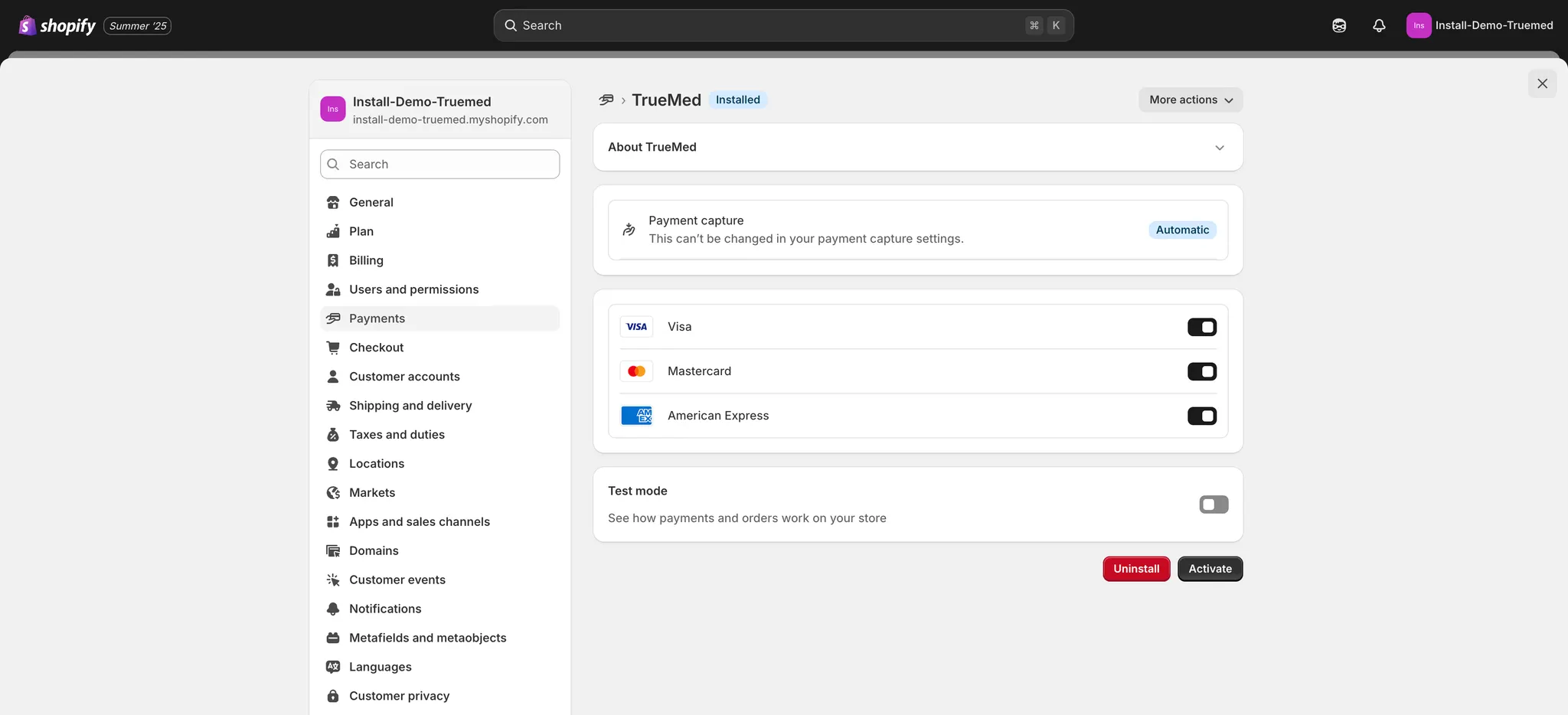
Step 5: Click “Activate” and Truemed will be available to your customers at checkout!